✦ AI-Powered Keyboard
Type smarter,
communicate better
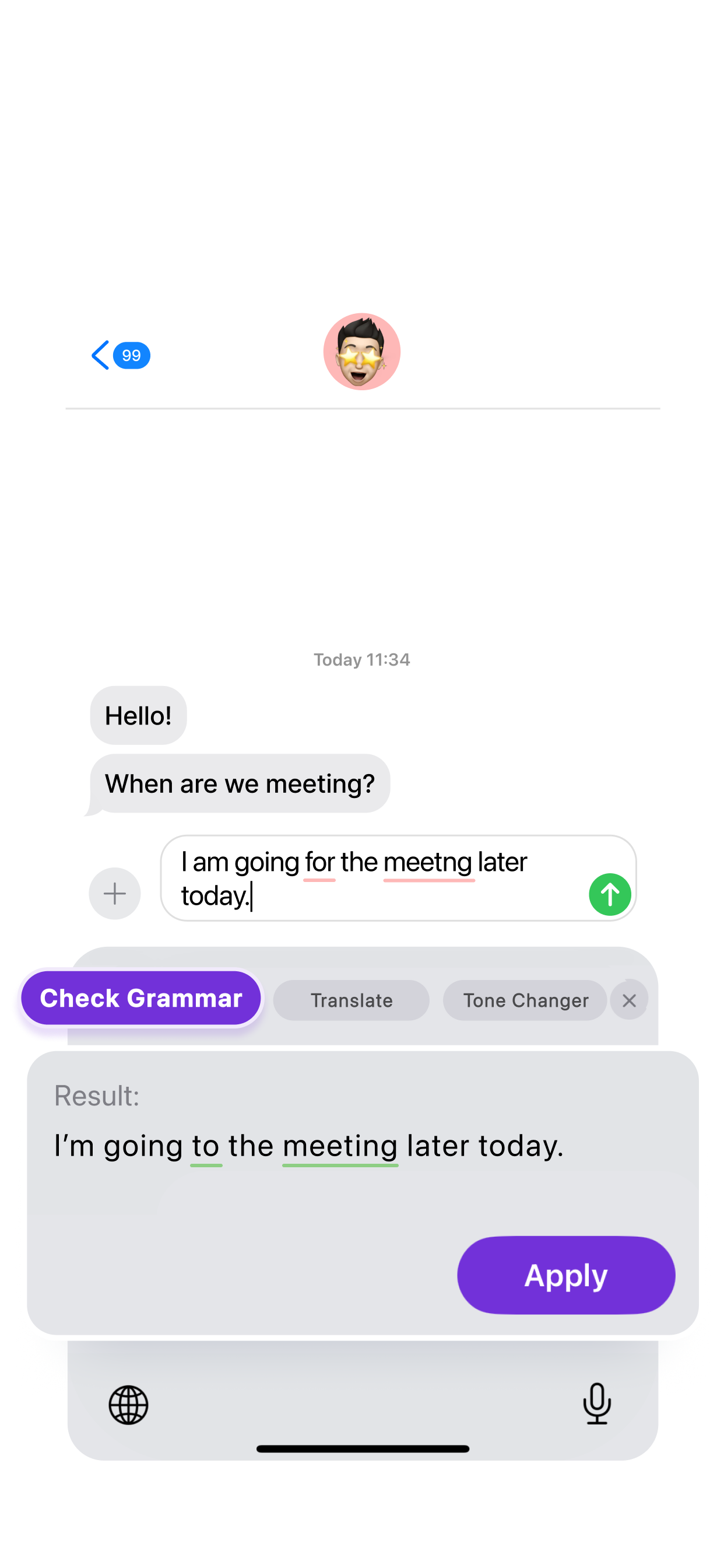
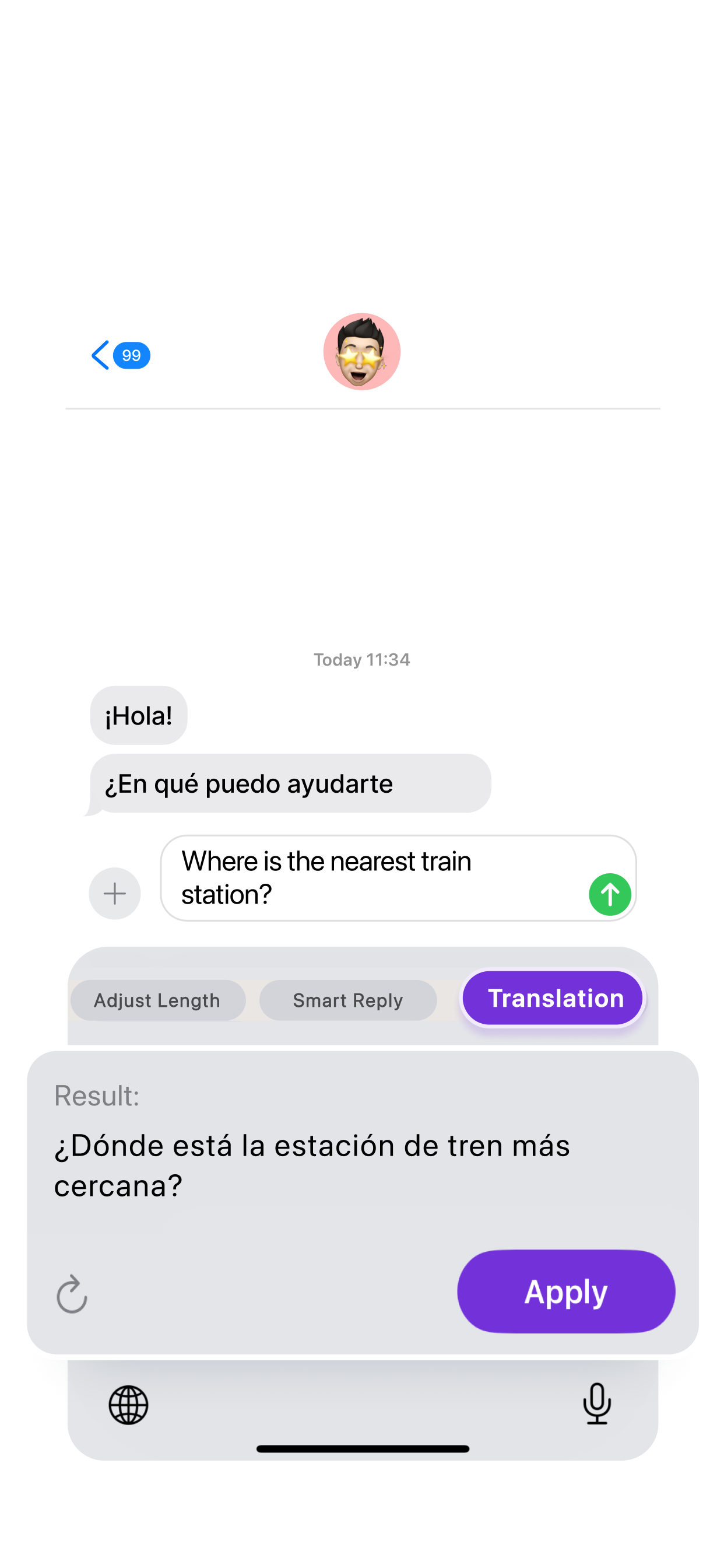
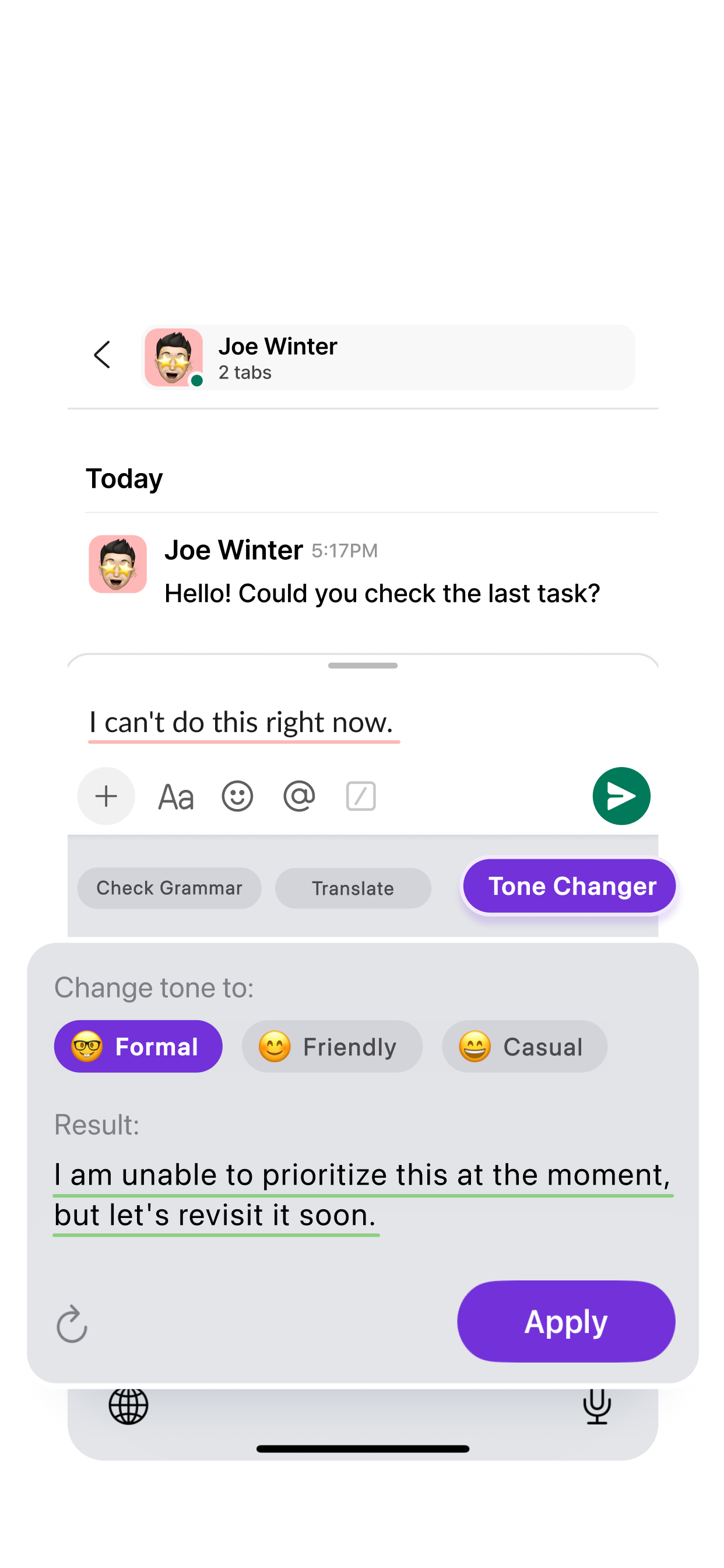
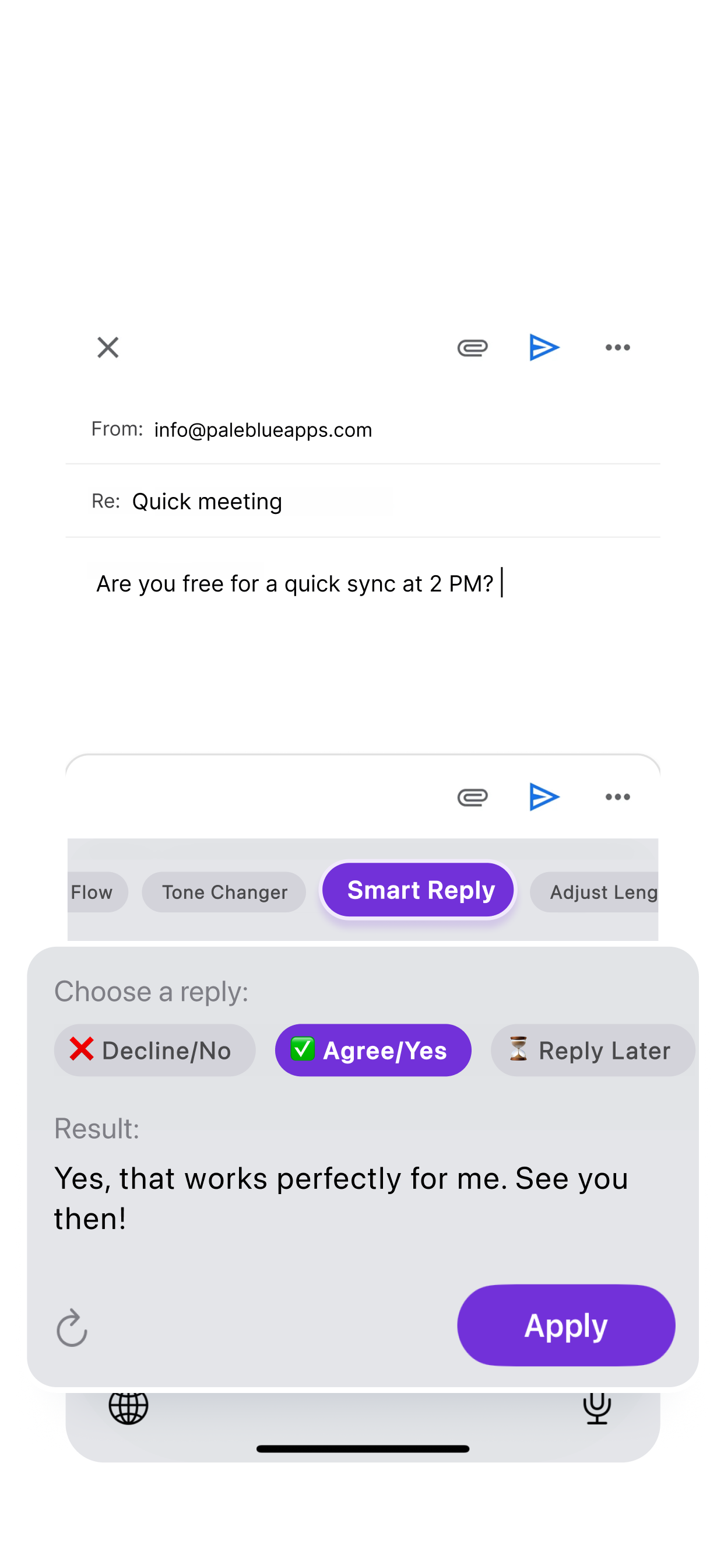
KeenKey AI brings the power of artificial intelligence right to your keyboard: instant grammar fixes, translations, tone adjustments, and more, in any app.
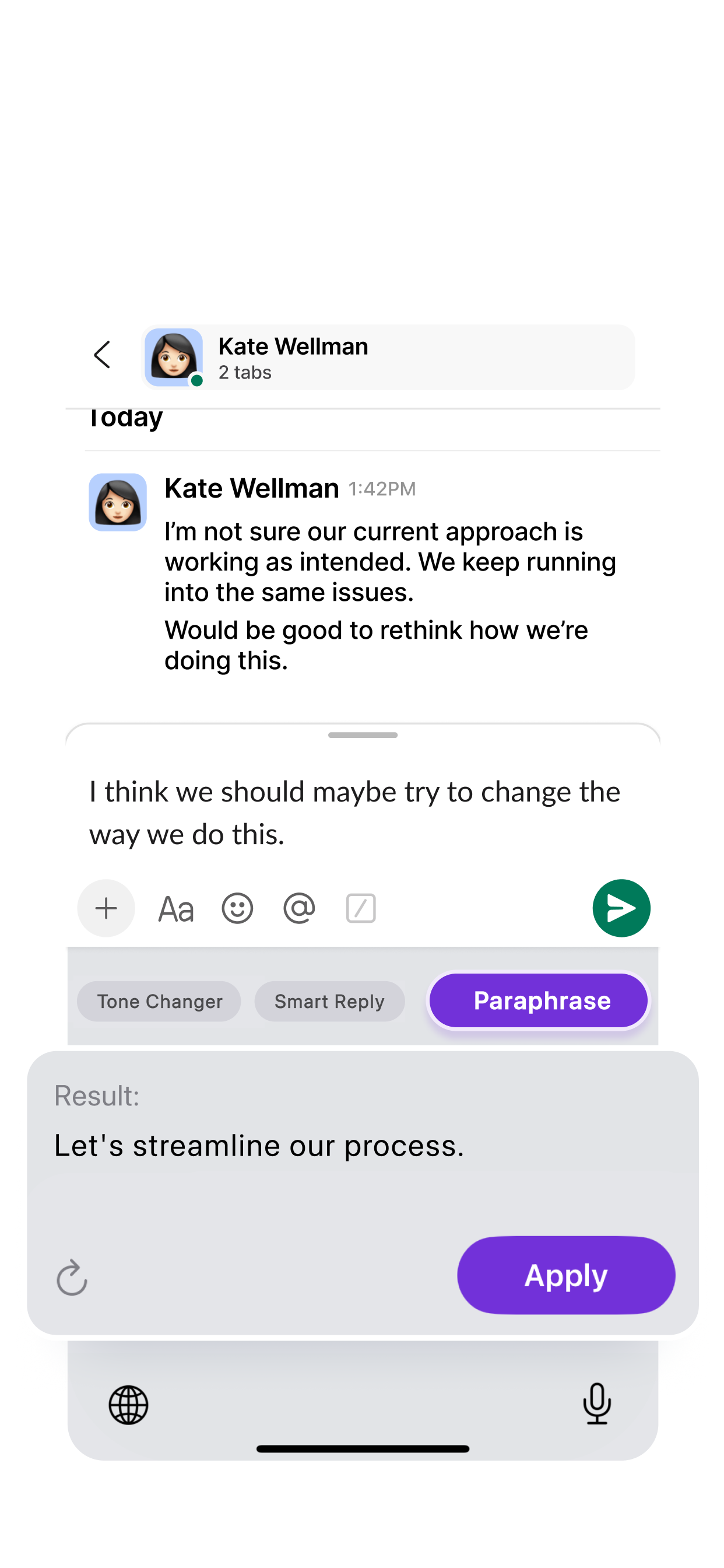
KeenKey AI brings the power of artificial intelligence right to your keyboard: instant grammar fixes, translations, tone adjustments, and more, in any app.
Everything you need to write with confidence — directly inside your keyboard, in every app on your iPhone.
Fix grammar, spelling, and punctuation instantly. Write error-free messages every single time.
Translate your text into 11 languages without ever leaving your keyboard. Break language barriers effortlessly.
Adjust the tone of any message to fit the context — from a formal business email to a casual friendly note.
Generate quick, contextual replies instantly. Agree, decline, or defer — KeenKey handles the wording.
Too verbose? Shorten it. Need more detail? Expand it. Get the perfect message length with one tap.
Create engaging social content with the right voice for every platform — from LinkedIn to Reddit.
Rewrite your text in a fresh, cleaner way while keeping the original meaning perfectly intact.
Three simple steps and you'll have AI assistance everywhere you type.
Open Settings → General → Keyboard → Keyboards, then tap "Add New Keyboard" and select KeenKey AI.
Tap KeenKey AI in your keyboard list and enable "Allow Full Access" so AI features can connect to the internet.
Switch to KeenKey AI while typing, select your text, and tap any AI feature to transform it instantly.
KeenKey AI only sends text to our servers when you explicitly trigger a feature. We never read what you type passively — and sensitive fields like passwords are always protected by iOS.
Everything you need to know about KeenKey AI.